
ZArchiver
ZArchiver is a free archive manager for Android by Ant-ON for opening and creating compressed files. This page covers version 1.0.10.
5.1 MB

1.325.974631426 · Google Inc. · Page updated
Google One is Google's Android app for managing shared account storage, phone backup and paid storage plans.
Average 0.0 · ratings: 0
Thank you! Your rating is saved; you can change it. Could not save the rating. Please try again later. Too many ratings from your network today. Please try again tomorrow. The average appears after 5 ratings.
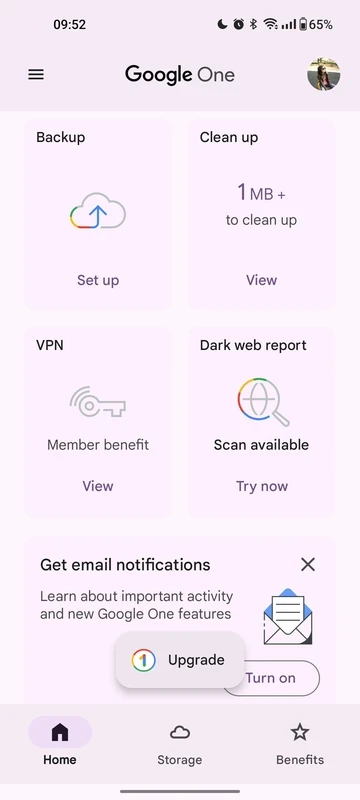
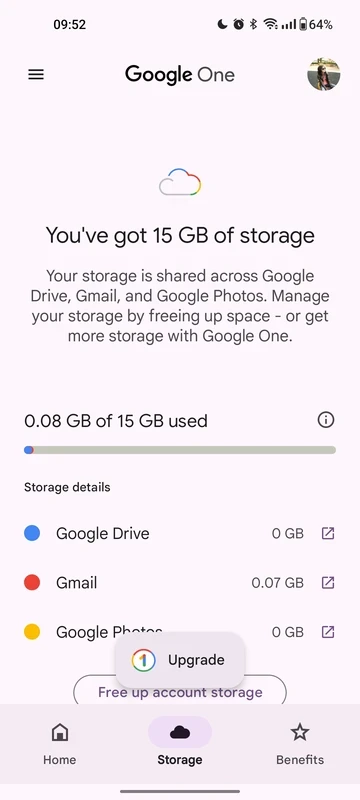
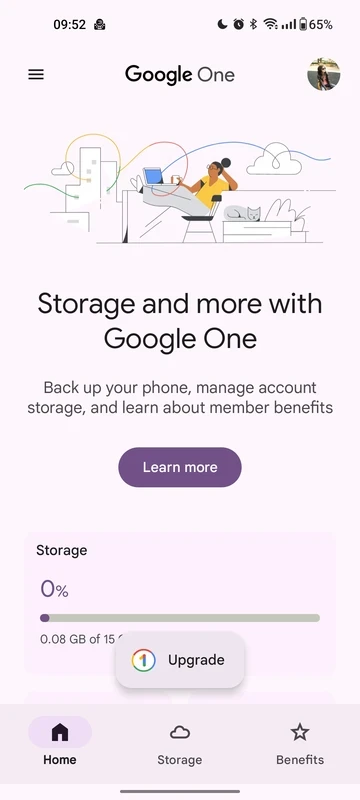
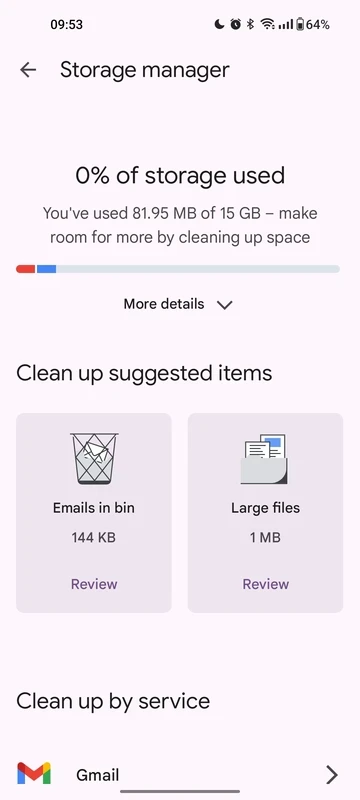
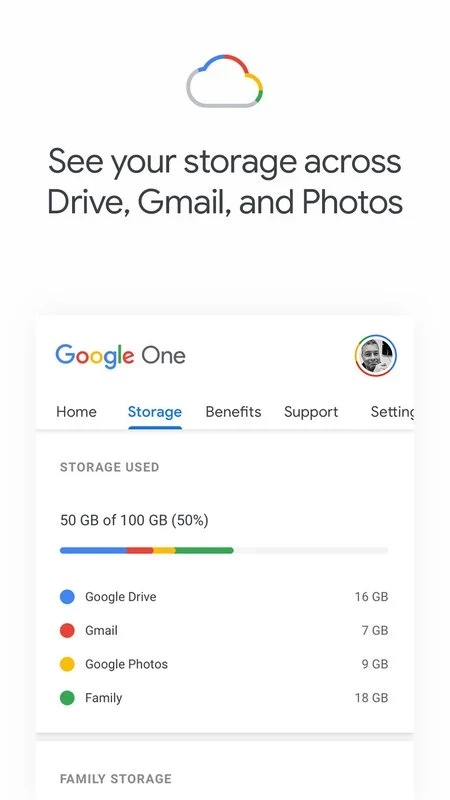
Google One is the Android app for Google's storage subscription service, and the current release is 1.325.974631426 from Google. You download Google One to see what takes up space in your Google account, back up your phone and, if you need more room, choose or change a storage plan.
Google launched Google One on 15 August 2018 as the new name and home for paid storage in Google accounts. Every account has a single pool of storage that is shared by Google Drive, Gmail and Google Photos; when it fills up, new photos stop backing up and emails may stop arriving. The Google One app gathers everything related to that pool in one place. It shows how much each service uses, and its storage manager finds large files, blurry photos, big attachments and items in the trash that you can delete to free up space quickly. The app also controls phone backup: photos and videos, contacts, messages, call history and device settings can be saved to your account and restored on a new Android phone. For subscribers there are additional benefits that Google changes from time to time, such as family sharing of the plan with other members of a family group and extra features in some Google apps. All subscription details, including upgrades and fixes for payment problems, are described on the Google One Help page.
The app is small, about 11.71 MB according to catalogue data.
The app itself is free, and every account gets a basic amount of free storage. Larger storage plans are paid monthly or yearly; current prices depend on your country and are shown on one.google.com.
Backups are tied to your Google account, so protect it with two-step verification. Install the app only from Google Play, and be wary of messages that ask you to pay for storage through links outside the official app or website.
Other cloud storage apps on our site include MEGA, MediaFire and TeraBox. For archives on the phone, ZArchiver and RAR are available.
ZArchiver is a free archive manager for Android by Ant-ON for opening and creating compressed files. This page covers version 1.0.10.

MEGA is a cloud storage and file hosting service from Mega Limited. This page covers the Android app, version 16.12.
RAR for Android is an archive app from Rar Lab for creating and extracting compressed files on your phone.

MediaFire for Android is the mobile app of the MediaFire file hosting service for uploading, storing and sharing files from your phone.
TeraBox for Android is Flextech's cloud storage app for backing up photos, videos and documents from your phone and accessing them later.